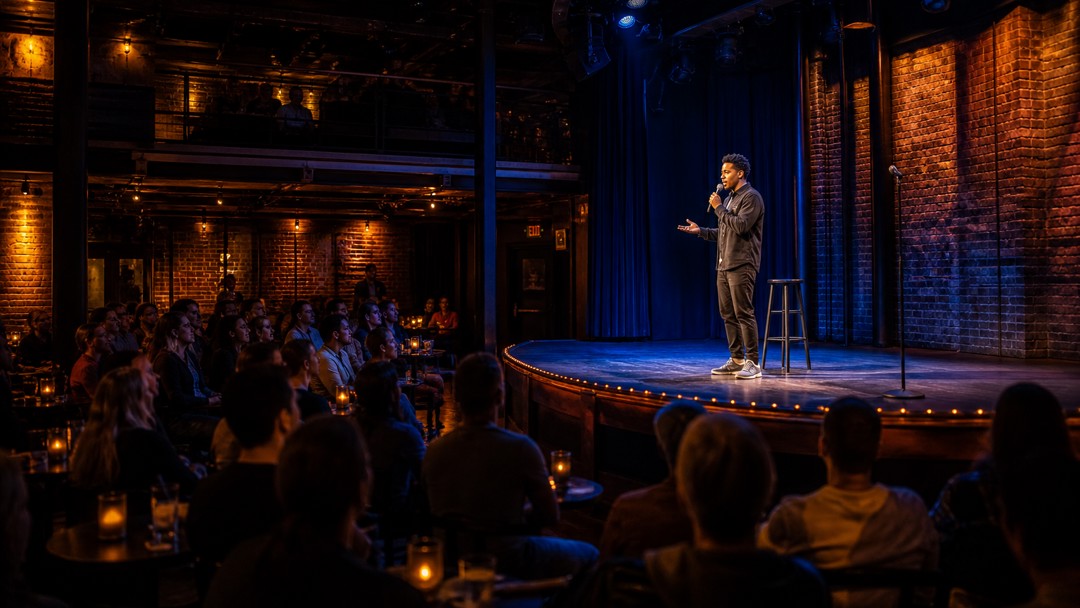
Live Streaming Monetization
How to Advertise Your Comedy Live Stream Through PremStream
If you are promoting a comedy live stream, the biggest mistake is treating it like a generic livestream announcement. Comedy sells when the audience knows exactly what kind of night they are buying: stand-up, crowd work, a roast, a themed set, or a special one-night-only performance. PremStream gives you a clean way to sell access, share promo codes, and keep the whole buying journey in one place, which makes your advertising easier to track and easier to repeat.
This guide walks through a practical way to advertise your comedy live stream through PremStream without turning every post into a hard sell.
1. Build the offer before you advertise it
Before you post a teaser, decide what people are actually purchasing. Comedy audiences do not buy “a stream” in the abstract. They buy a specific promise.
- Format: live stand-up, comedy special, panel, improv show, or hybrid live-plus-replay event.
- Angle: clean comedy, uncensored set, audience interaction, guest comic lineup, or themed material.
- Access: live only, replay included, or premium replay after the event.
- Reason to act now: limited-time pricing, a special guest, bonus Q&A, or a one-night performance.
On PremStream, use the event page to state those details clearly and keep the message consistent from first post to checkout. If you want to see how the platform handles paid access, promo codes, and customer information, review the PremStream onboarding features.
2. Write one strong headline and repeat it everywhere
Your event title should sound like a ticket someone would actually buy. The strongest comedy marketing headlines are specific, not clever for the sake of being clever.
Good example: “Late-Night Stand-Up Special: Live From The Blue Room”
Better than: “A Funny Night Online”
Use the same core phrasing in your PremStream page title, email subject line, social captions, and partner promos. When the wording changes too much, people wonder whether they are looking at the same event.
3. Turn your PremStream page into the center of the campaign
Do not scatter viewers across different links. The cleaner your purchase path, the easier it is to promote.
Make your PremStream event page do the heavy lifting:
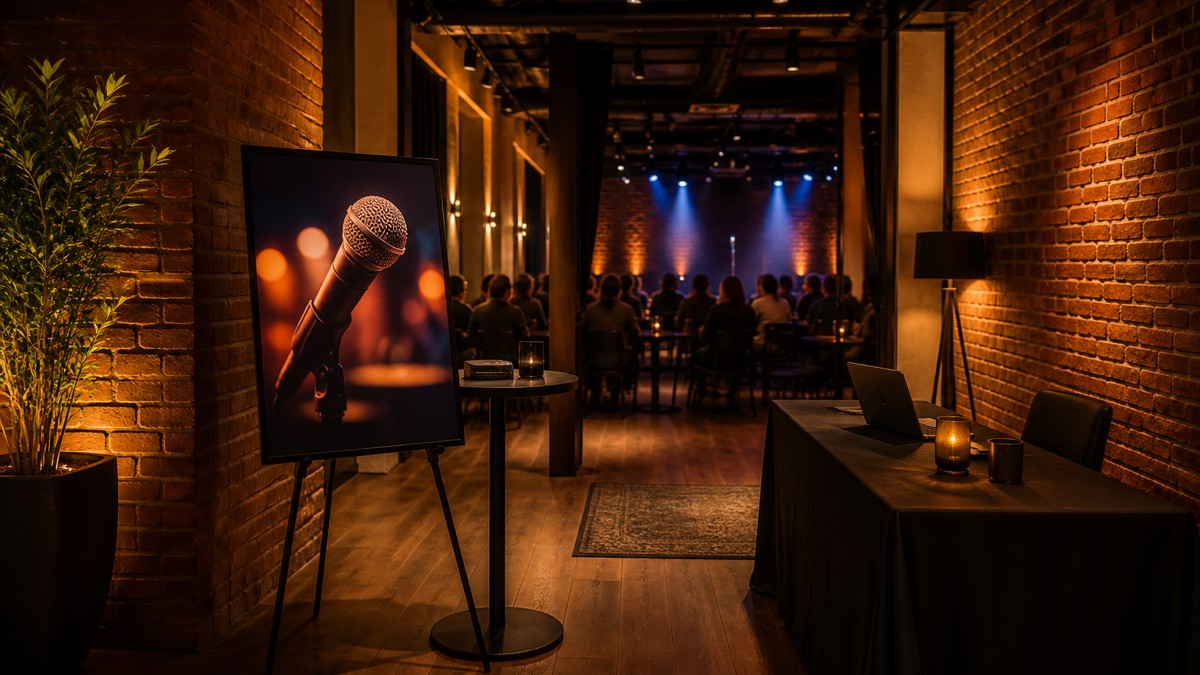
- Put the date, time, and access type near the top.
- Add a short description of the comic’s style and the tone of the show.
- Include one clear image that matches the mood of the event.
- Keep the call to action simple: buy access, not “learn more” if the goal is sales.
If your stream includes a replay, say that plainly. Comedy fans often decide based on timing. Some want the live crowd energy; others need the replay because they cannot watch at showtime.
4. Use promo codes to reward the right audiences
Promo codes are especially useful for comedy because promotion often travels through small communities: fans, venue regulars, fellow comics, mailing lists, and local partners. PremStream supports promo codes, so you can create specific offers instead of one vague discount for everyone.
- Early-bird code: reward the first wave of buyers.
- Guest code: give a co-host, opener, or special guest a trackable link to share.
- Partner code: let a club, podcast, or newsletter drive sales.
- VIP code: offer a bonus or price break to your most loyal fans.
Keep the rules obvious. If a code expires, say when. If it only applies to a bundle or replay, say that too. Confusing offers slow down comedy sales fast because people are usually deciding in a few seconds.
5. Promote the joke, the format, and the experience — not just the date
Comedy ads work better when each one answers a different question. One post should tease the premise. Another should explain the format. Another should create urgency.
Use this three-post sequence
- Teaser post: hint at the topic, guest, or premise without giving away the strongest material.
- Sales post: explain what viewers get, when the stream starts, and how to buy access on PremStream.
- Reminder post: focus on timing, replay availability, or last-chance pricing.
A comedy stream should sound like an event, not a webinar. Your copy should suggest energy, timing, and personality. If the show includes audience interaction, say so. If it is a polished special, emphasize production value and replay access.
6. Give partners copy they can post without rewriting it
Comedy promotions often spread through clubs, podcast hosts, open-mic communities, and friends of the performer. Make it easy for partners to help you.
- Write a short caption they can copy and paste.
- Include the event link and the promo code in the same message.
- Give them one or two approved images or clips.
- Tell them exactly what the audience should expect from the show.
This matters because partners are more likely to post when the job is simple. PremStream’s direct purchase flow helps here: one link, one event page, one action.
7. Advertise in the right order: warm audience first, broad audience second
Start with people who already know the comic or venue before you spend time chasing strangers. For comedy, warm audiences convert faster because they already trust the tone.
Use this order:
- Email list: announce the stream first to past buyers and subscribers.
- Social followers: post short clips, punchy copy, and the buy link.
- Partners: ask comics, hosts, venues, and podcast guests to share the page.
- Broader outreach: only then expand to paid ads or wider community posts if needed.
When you can, use customer purchase information from PremStream to follow up with people who already bought a previous event. Past buyers are often the easiest audience to convert for the next comedy stream.
8. Make your preview funny, but not complete
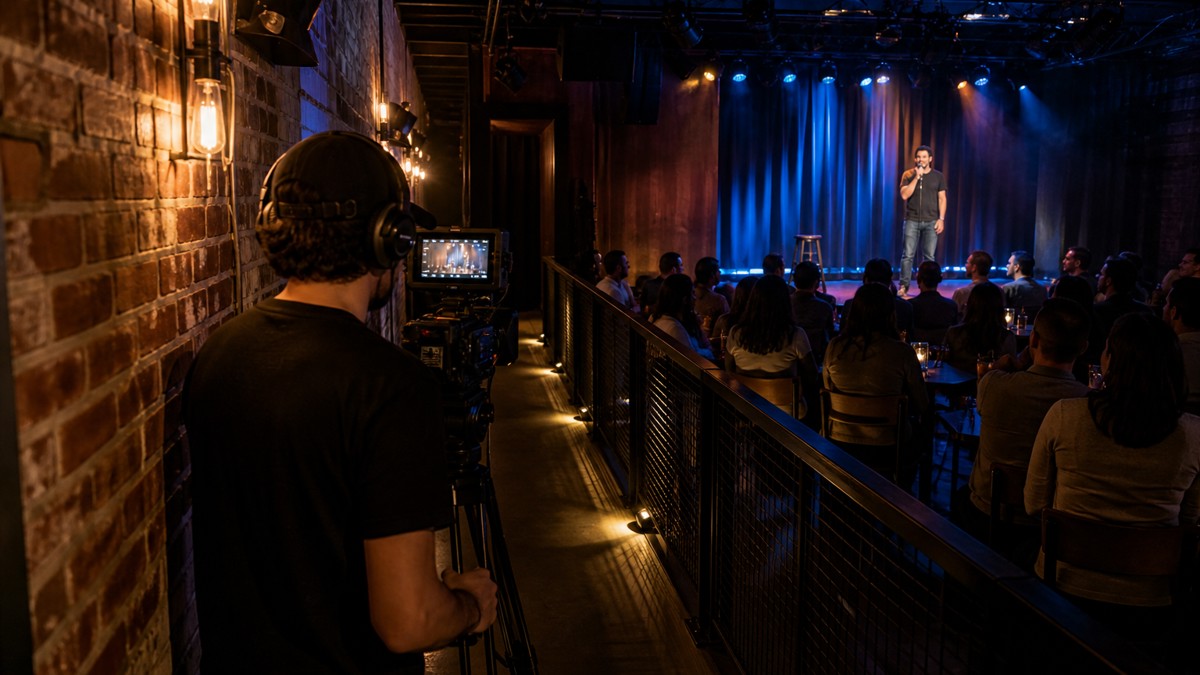
A preview should prove the show is worth buying without giving away the best part. That is especially important for comedy, where the payoff is the punchline and the rhythm.
Good preview material includes:
- a 15- to 30-second joke setup that lands well on its own,
- a backstage or pre-show clip that shows personality,
- a crowd reaction moment from rehearsal or a previous live event,
- a quick explanation of why this performance is different.
Avoid posting the strongest full bit. If viewers feel they have already watched the set, the urge to buy drops.
9. Time your reminders like a show clock, not a marketing calendar
People buy comedy tickets late. That is normal. They wait until they know their schedule, then they decide.
Plan reminders around the event itself:
- One week out: announce the event again with the main hook.
- 24 hours out: focus on the start time and replay access.
- Two to three hours out: send the final reminder with a direct purchase link.
- 15 to 30 minutes out: post one last urgency reminder for followers who are already interested.
PremStream makes this easier because the same page can carry the sale, the access info, and the replay details. That keeps your reminder copy short and clear.
10. Use the post-show period to sell the replay and the next event
Advertising does not stop when the live set ends. For comedy, the replay can become a second sale, especially if the material is strong, the crowd was lively, or the production was polished.
After the show, send a follow-up that does three things:
- thanks the live audience,
- offers replay access if it is still available,
- invites viewers to join the next live comedy event.
That follow-up is where PremStream’s customer access and replay workflow can help you build repeat business instead of starting from zero every time.
A simple comedy promo checklist
- Define the show format and audience promise.
- Publish one clear PremStream event page.
- Create at least one promo code for partners or early buyers.
- Prepare a teaser, a sales post, and a last-chance reminder.
- Share the link through email, social, and partner channels.
- Follow up after the show with replay and next-event messaging.
If you want a cleaner way to advertise, sell access, and keep your comedy stream promotion tied to one clear checkout path, explore PremStream’s onboarding features and map your next live show around them.