Live Streaming Hardware & Software
Best Live Stream Upgrades: 7 New Hardware and Software Hacks
If your live stream already looks decent, the fastest way to make it feel more professional is not a total rebuild—it is a handful of targeted upgrades. Over the last year, several creator tools have shifted from “nice to have” to genuinely useful: smarter audio routing, cleaner camera control, better teleprompter workflows, and software that recovers faster when something goes wrong.
This list focuses on the best new hardware and software hacks for creators who stream paid events, premium shows, classes, or recurring live experiences. Each one is chosen for a specific production pain point, not just because it is new.
1. Use a stream app that reduces setup friction instead of adding it
One of the most useful software updates in the last year is OBS Studio 32.1 and 32.2. OBS added an overhauled audio mixer, WebRTC simulcast support, a new source-creation flow with preview thumbnails, and other quality-of-life improvements that make live production faster to manage during a show. OBS 32.0 also introduced a plugin manager and new recording defaults for newer installs. Source: OBS 32.1 release notes, OBS 32.2 release notes.
Why it matters: if you produce paid streams or ticketed live events, speed matters before and during showtime. A cleaner source workflow means fewer mistakes when you are adding sponsor bugs, lower thirds, camera feeds, or backup graphics under pressure.
Best hack: build one “show day” profile in OBS with only the sources you actually use, then duplicate it for future events. That keeps your live scene stack lean and less error-prone.
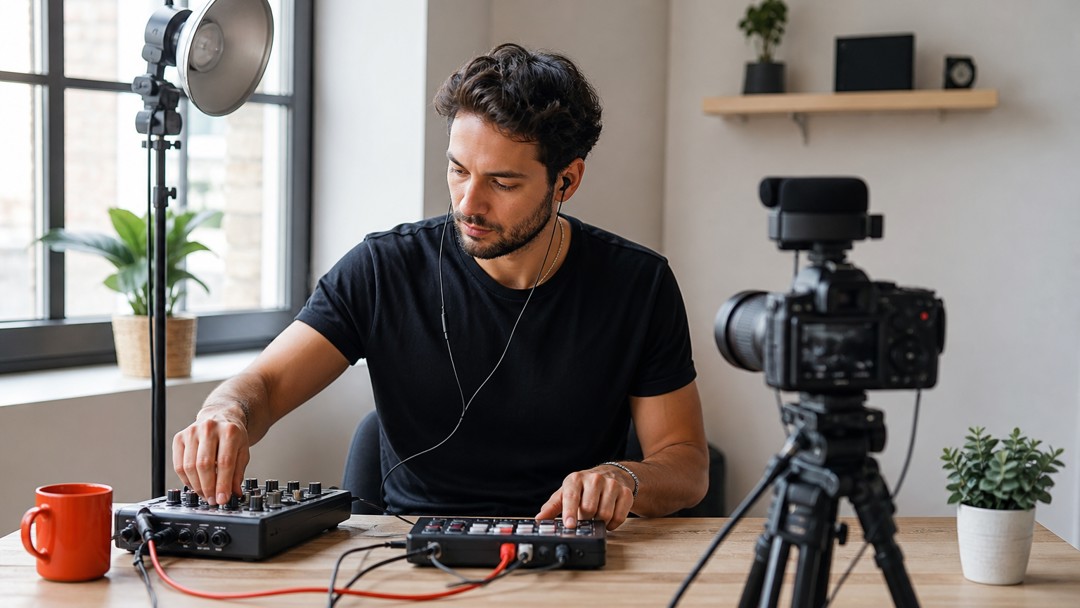
2. Upgrade your audio workflow before you upgrade your camera
Elgato and RØDE both pushed major audio software changes in the last year. Wave Link 3.0 was rebuilt to give creators up to five independent output mixes, with effects applied per input and support that is no longer limited to Elgato hardware. Source: Wave Link 3.0.
RØDE’s UNIFY also remains a useful virtual mixing option for streamers who want more control over separate voice, music, and app audio paths. Source: RØDE UNIFY.
Why it matters: viewers forgive a softer image faster than they forgive bad audio. If your paid class, performance, or webinar has uneven volume, music bleeding into speech, or awkward comms noise, your audience experiences it as a production problem.
Best hack: create three audio outputs: one for your audience mix, one for your headphones, and one for your local recording. Then test each one separately before the event, especially if you are using music beds or guest mics.
Quick audio rule
- Use a separate mic channel for the host.
- Route music lower than you think you need.
- Keep a mute action ready for every guest input.
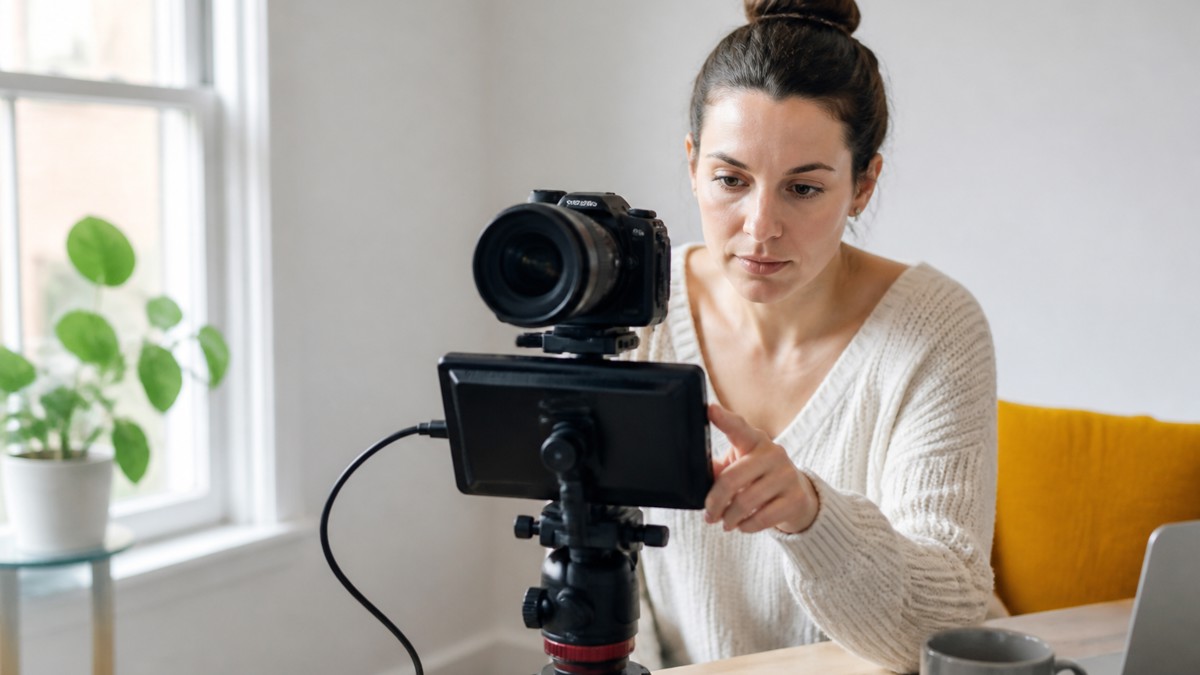
3. Add a teleprompter workflow that keeps you looking into the lens
Elgato’s Studio 2.0 is one of the most interesting creator releases of the year because it combines capture, cameras, scripts, and chat in one place. The release introduces Virtual Prompter, a new Script Manager, faster Voice Sync, and multistream chat. It can be used on a laptop or monitor you already own, and in supported setups it works alongside Stream Deck control. Source: Elgato Studio 2.0 Release Notes, Elgato Studio 2.0 overview.
Why it matters: if you sell access to classes, coaching sessions, interviews, or premium presentations, eye contact improves trust. A prompter is not just for polished keynote speakers; it helps solo creators stay natural while following a run-of-show, sponsor mentions, or live Q&A prompts.
Best hack: place your prompt line just below the lens and shorten each line to a single thought. Long paragraphs make your eye movement look robotic.
4. Consider all-in-one switching gear if you produce multi-camera shows alone
RØDE’s RØDECaster Video Core is built for creators who want a compact production surface with switching, recording, streaming, and audio mixing in one box. RØDE also updated the family with 4K capture mode and RØDECaster Sync, which can expand how the console works with other RØDE audio gear and multi-camera workflows. Sources: RØDECaster Video Core, RØDECaster Video update.
Why it matters: solo operators often need to switch cameras, manage mics, and keep the stream alive without a separate technical director. Hardware that brings more of that into one control surface can reduce operator fatigue and missed cues.
Best hack: if you run a recurring paid show, assign one button to your safety slide, one to your standby camera, and one to a mute-all recovery state. That way you have a clean “reset” under stress.
5. Use newer capture software that treats your camera like a production asset, not just a signal
Elgato’s Studio 1.0 arrived in 2025 as a new capture app designed for less clutter and more control, and Studio 2.0 has continued expanding the workflow. Source: Elgato Studio 1.0 Release Notes.
On the Blackmagic side, recent updates added capabilities such as phase-detect autofocus support, cloud stream routing, and pre-record support on select camera/software products. Source: Blackmagic streaming software updates.
Why it matters: capture apps are no longer just “camera viewers.” They are increasingly where you handle focus behavior, stream routing, and the handoff between acquisition and delivery.
Best hack: if you use a camera as a webcam for paid streams, make a dedicated profile for livestreaming with a fixed white balance, a locked aperture, and a backup framing preset. Consistency matters more than chasing perfect exposure on the fly.
6. Build a low-stress fallback path for stream drops and platform quirks
Restream’s recent changelog highlights practical features such as live chat support for more destinations, clips you can create while still streaming, and video protection that can keep an event alive during a drop. Source: Restream changelog.
Why it matters: if you monetize live events, the worst moment is not a technical flaw—it is a dead stream during a paid session. Recovery tools and multi-platform chat handling are worth more than a flashy feature you never use.
Best hack: create a fallback graphic and a short audio loop that you can trigger instantly if the stream reconnects. Tell your audience in advance what to do if they lose the feed.
7. Choose gear that helps you move from single-stream to multi-format content
The best new tools are not only about streaming the event live. They also help you turn the same show into clips, VOD, or paid replays. Elgato Studio’s newer script/chat tools, OBS’s improved source and audio handling, and Restream’s clip workflow all support that broader post-event content pipeline.
Best hack: design your show with one short segment that is easy to clip: a demo, a reveal, a question answer, or a performance peak. Then mark it in your production notes so you can pull it for replay promotion later.
A simple upgrade stack for most creators
- Software: OBS Studio 32.2 for live production control and source management.
- Audio: Wave Link 3.0 or RØDE UNIFY for routing and mix control.
- Presenter workflow: Elgato Studio 2.0 if you need scripts, chat, and camera control in one place.
- Hardware: RØDECaster Video Core or a comparable switching surface if you run multi-camera shows alone.
- Recovery: Restream or a similar platform workflow with backup and clipping support.
If you sell live streams, premium VOD, or ticketed online events, the goal is not to own every new gadget. It is to remove the bottleneck that causes the most visible failure in your show.
Next step: pick one audio improvement, one control-surface improvement, and one recovery backup this month. If you want to build a cleaner monetized streaming workflow, explore PremStream to see how access, analytics, promo codes, and paid video delivery can fit into your setup.